

Cielo OAUTH is an authentication process for Cielo APIs related to e-commerce.
Cielo OAUTH uses the OAUTH2 protocol for security. In it, it is necessary to first obtain an access token using your credentials and then send it to the Transactional Control API.
To use Cielo OAUTH, the following credentials are required:
| CREDENTIAL | DESCRIPTION | TIPO |
|---|---|---|
ClientId | Key identifier provided by Cielo | GUID |
ClientSecret | Key that validates the ClientID. Provided by Cielo along with ClientId | string |
Required permissionsThe indicated settings can only be performed by users with Administrator, Technical, or Analyst permissions.
To manage access permissions, go to Meu cadastro > Access Management.
Get credentials
To obtain the ClientId and ClientSecret credentials for authentication to the Payment Link API or Checkout API, follow the steps below:
- After receiving the establishment number (EC) with the authorization for Link de pagamento and Checkout, access the Cielo website and login;
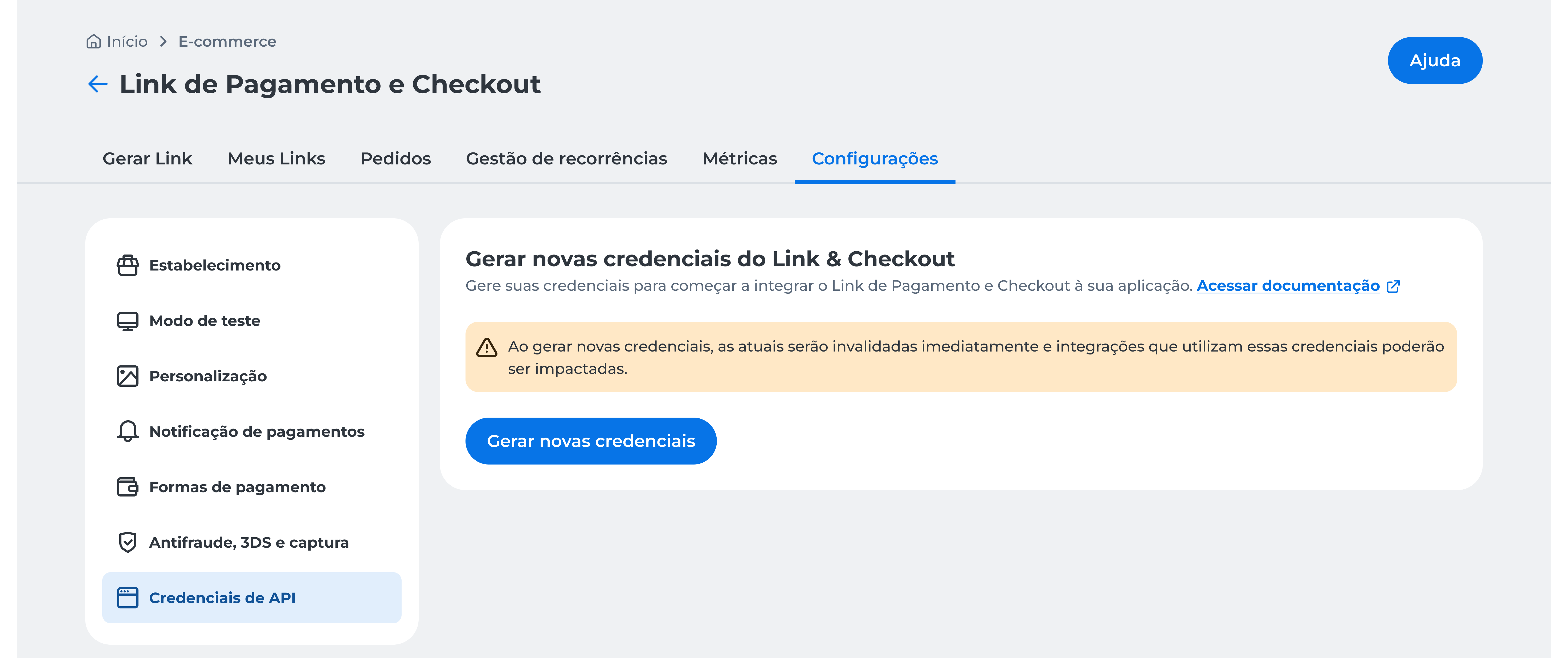
- In the main menu, click E-commerce > Link de Pagamento > Configurações > Credenciais de API
- Click Gerar novas credenciais;
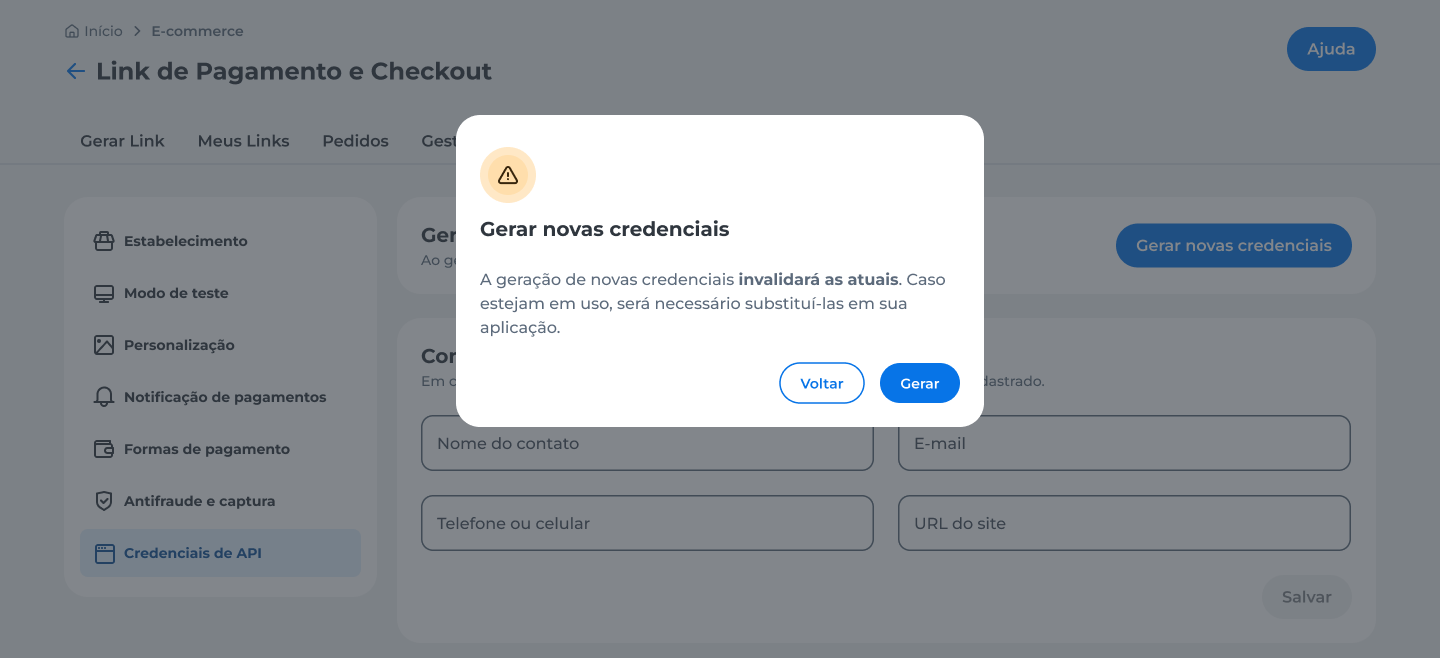
- Read the confirmation message and click Gerar;
-
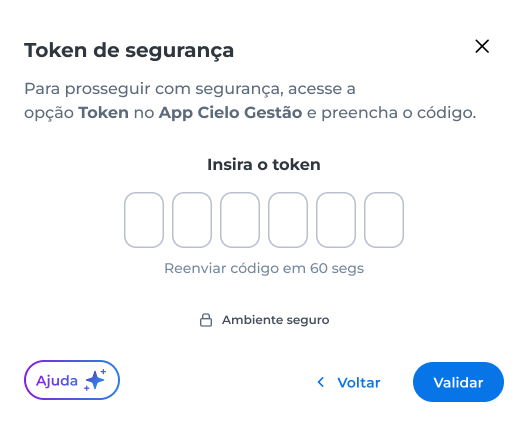
Enter the security token generated in the App Cielo Gestão and click Validar;
-
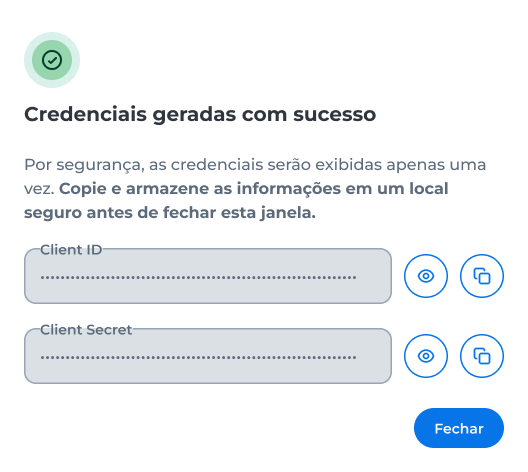
Copy the Client ID and Client Secret displayed on the screen.
- Using the credentials, it will be possible to create an access token.
ImportantThe credentials are displayed only once. Before closing the window, view or copy the Client ID and Client Secret, and store them in a secure location.
After closing the window, these credentials cannot be viewed again. If needed, generate new credentials.
When new credentials are generated, the current ones are immediately invalidated. Update your application with the new credentials to maintain active communication.
Warning
- The technical contact information is no longer used for sending keys due to security reasons;
- For some Link de pagamentos registrations, the use of the Link via API will not be allowed for business rule reasons. In these cases, the Gerar credenciais de acessos ás APIs button will not be available on the Cielo website. If you have questions about how to proceed, please contact Cielo support;
- If you have previously used a credential, it will stop functioning as soon as you click to generate new credentials.