

To facilitate testing during integration, Cielo offers a Sandbox environment that allows simulating the API messaging. The Sandbox environment is programmed with prepared responses for all functionalities provided in the Cielo E-commerce API.
| INFORMATION | URL |
|---|---|
| Access credentials | MerchantId and MerchantKey obtained after creating a test account at Sandbox Registration. |
| Transactional URL base | https://apisandbox.cieloecommerce.cielo.com.br |
| Query URL base | https://apiquerysandbox.cieloecommerce.cielo.com.br |
Advantages of using the sandbox
- No affiliation is required to use the Cielo Sandbox.
- Just access the Sandbox Registration to create an account.
To streamline testing during integration, Cielo provides a Sandbox environment that allows you to simulate API messaging. The Sandbox environment is preconfigured with prepared responses for all features provided by the API Cielo E-commerce.
No affiliation is required to use the Cielo Sandbox. The
ProviderSimulado is for testing in the Sandbox environment only. Do not use it in production.
Base URLs for Sandbox:
| INFORMATION | URL |
|---|---|
| Transactional base URL | https://apisandbox.cieloecommerce.cielo.com.br |
| Query base URL | https://apiquerysandbox.cieloecommerce.cielo.com.br |
Get sandbox credentials
Click here to create an account and obtain sandbox credentials (MerchantId and MerchantKey) to test the API for free:
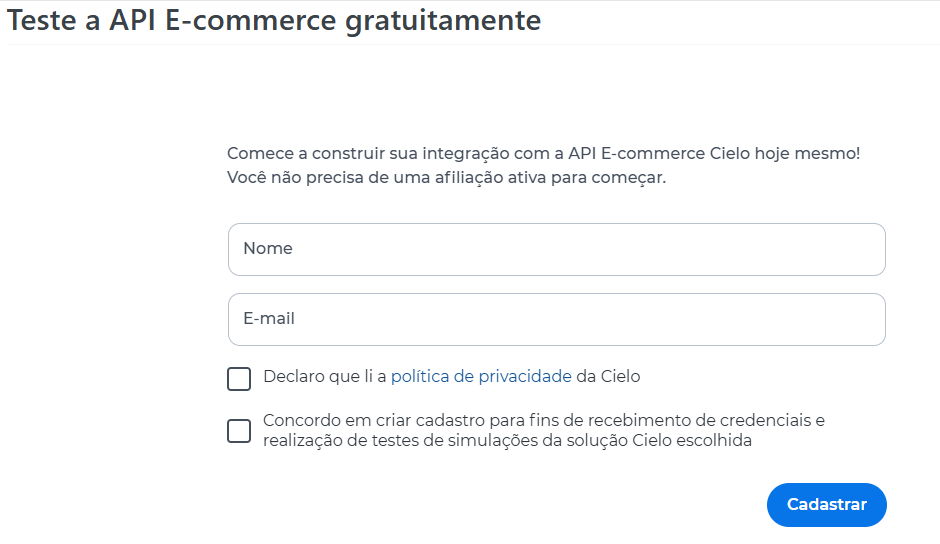
Make requests to the API according to this documentation, using your sandbox credentials.
Test the Notification Post
You can test the Notification Post in the Sandbox environment.
To understand how the feature works, see the documentation Notification Post.
To request the registration of the notification URL, send an email to [email protected] with:
- Sandbox environment Merchant ID (MID);
- URL to receive notifications;
- Headers, if used.
To create and configure the notification URL, see Notification URLs.
ImportantThe notified events depend on the scenarios that can be simulated in the Sandbox environment.
Features enabled in the sandbox account
- Credit Card: create, capture, query, and void payment;
- Debit Card: create, query, and void payment;
- Pix: create and query payment;
- QR Code: create and query payment;
- Recurring Payment: create recurring transaction;
- Zero Auth: validate test card;
- Consulta BIN: query card information;
- Tokenization: create card token and process a transaction with a tokenized card.
Features that require activation in the sandbox environment
The following features are available only upon activation by Cielo Support:
- Boleto Bancário;
- Digital Wallets (E-wallets);
- Silent Order Post;
- Velocity Check;
- Fraud Analysis (available only with the Risk Management product).
For 3DS authentication in the sandbox, use the credentials available in the documentation.