

Configure trusted IPs on the Cielo website
The Manage Trusted IPs feature allows you to register and manage the IP addresses authorized to use resources in the integration with the Cielo E-commerce API.
With this feature, you can add and remove IPs and monitor the results of the changes made.
Required permissionsThe indicated settings can only be performed by users with Administrator, Technical, or Analyst permissions.
To manage access permissions, go to Meu cadastro > Access Management.
How to access
On the Cielo Website, navigate to:
E-commerce > Gestão API E-commerce > Configurações > URL de notificações
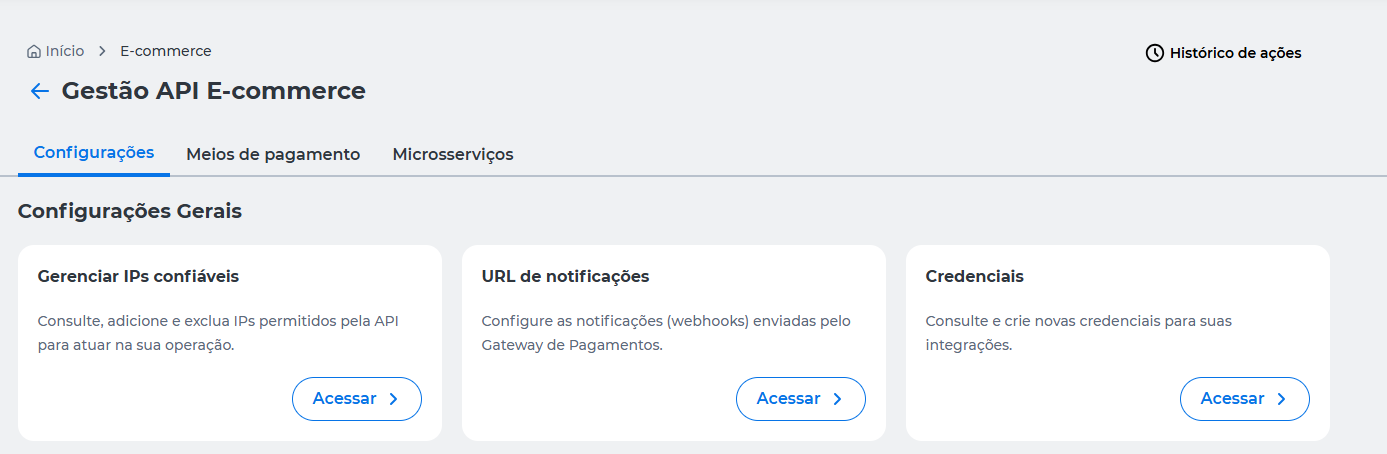
Add and remove IPs
Use the input field to enter one or more IP addresses that should be authorized for use in the integration.
Rules for registration
When entering IP addresses:
- Use commas to separate multiple addresses;
- IP addresses already registered will not be added again;
- Duplicate IP addresses entered in the same request will be ignored.
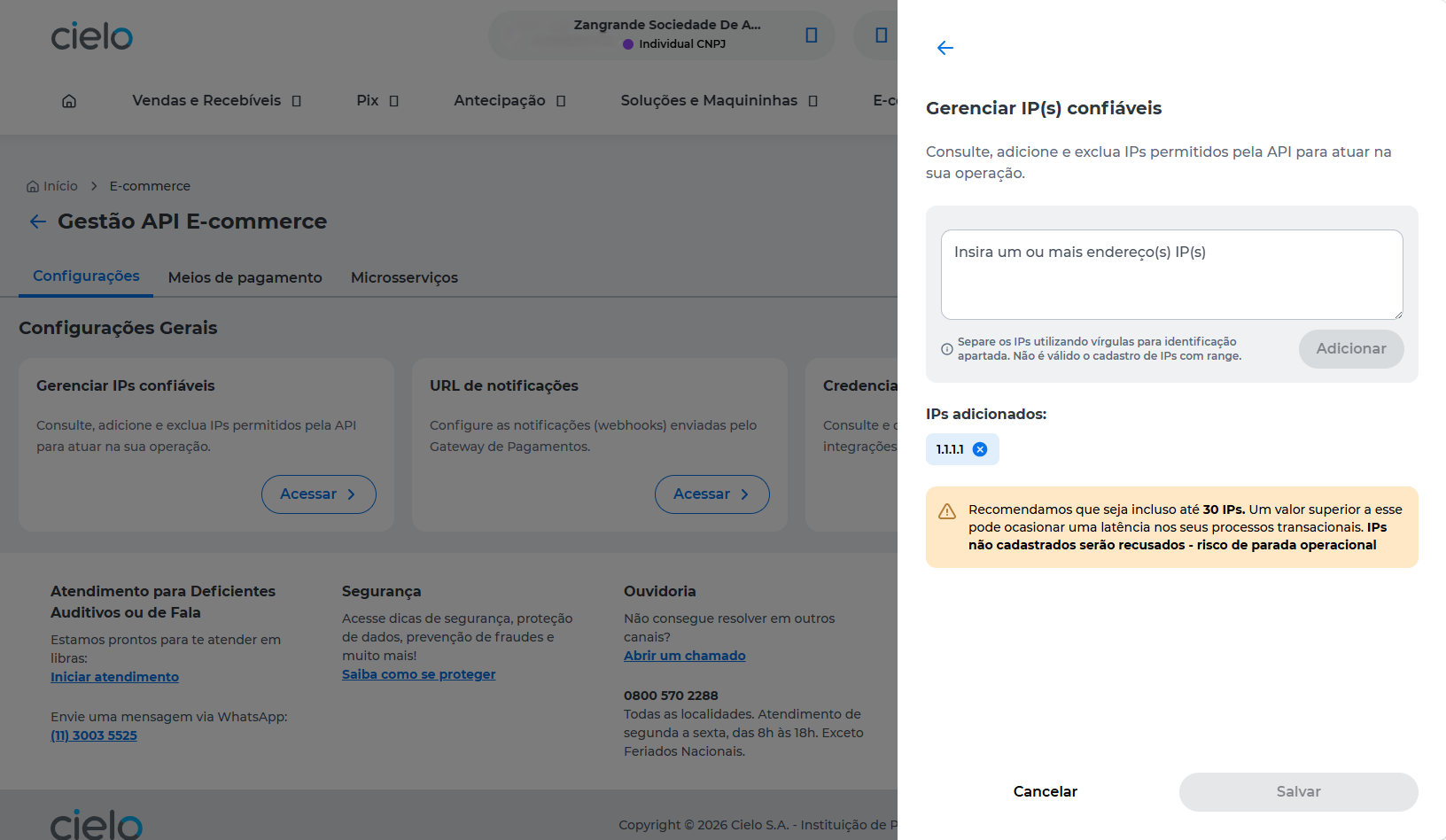
After clicking Add, the entered addresses will be displayed in the Added IPs list.
To remove an address from the list, click the X icon shown next to the IP.
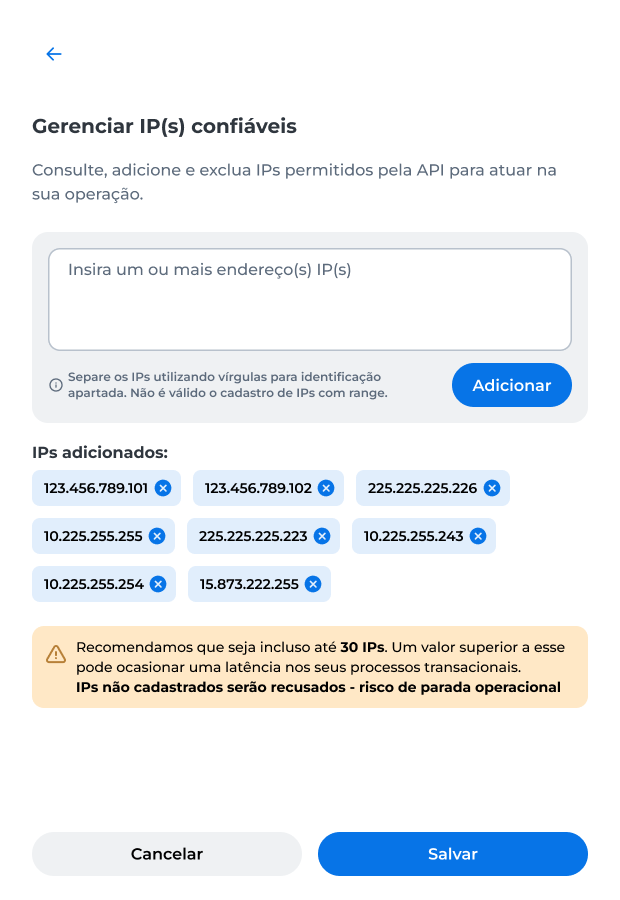
Warning
- It is recommended to keep up to 30 registered IPs;
- A higher number can increase latency in transactional processes;
- IPs not registered will be denied, which may impact integration performance.
After completing the desired changes:
- Click Save.
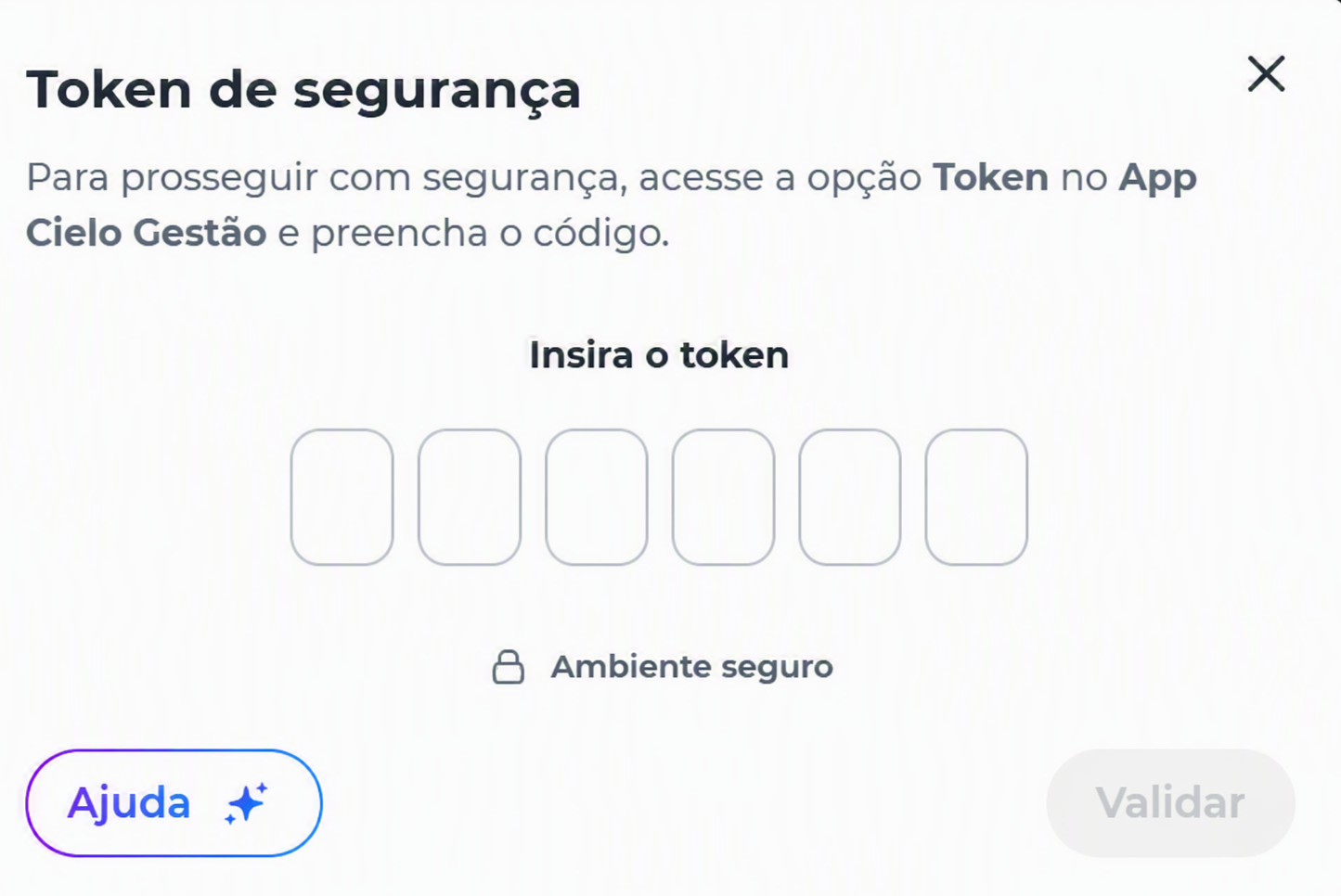
- Complete the operation authentication through the Cielo Gestão app.
At the end of processing, the platform displays the result of the changes made for each IP address entered.
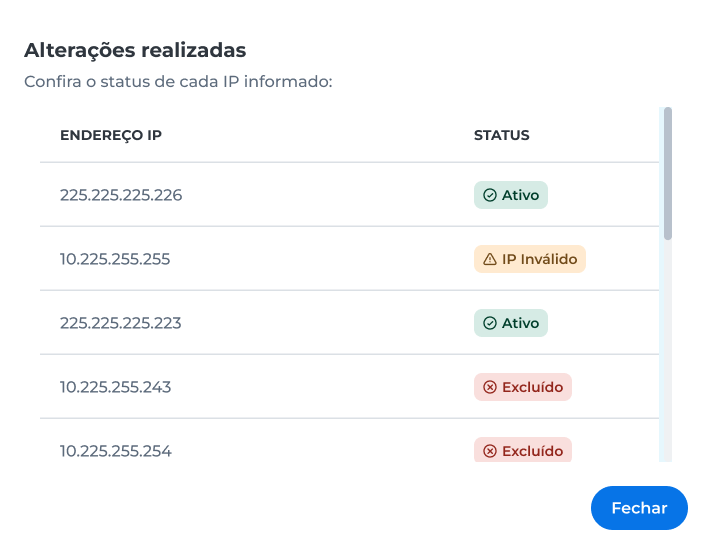
The following statuses may be displayed:
- Ativo: the IP address was validated successfully and is authorized for use;
- IP inválido: the entered address does not meet validation rules and was not registered;
- Excluído: the IP address was removed from the trusted IPs list.
Impact of unauthorized IPs
When a transaction or request is made from an unauthorized IP address, the communication may be blocked.
In these cases, the following messages may be returned:
HTTP 403 – Forbidden
The request was made from an IP address that is not registered in the trusted IPs list.
API error code 301 – Request IP is not allowed
The IP restriction feature is enabled, and the provided address is not authorized for use.
To restore access, register the IP in the trusted IPs list or request support from the team responsible for the integration.
ImportantWhen attempting to perform a transaction or request using an unauthorized IP, access will be blocked until the address is properly registered and validated in the trusted IPs list.
Action History
Actions related to trusted IP settings are also recorded in the Action History of E-commerce API Management.
For more information, see the Action History page.
Updated 3 months ago