
Disable e-wallets via Cielo Portal
You can disable the e-wallets: Apple Pay, Google Pay, and Samsung Pay directly on the Cielo Portal. To disable them, follow the steps below:
-
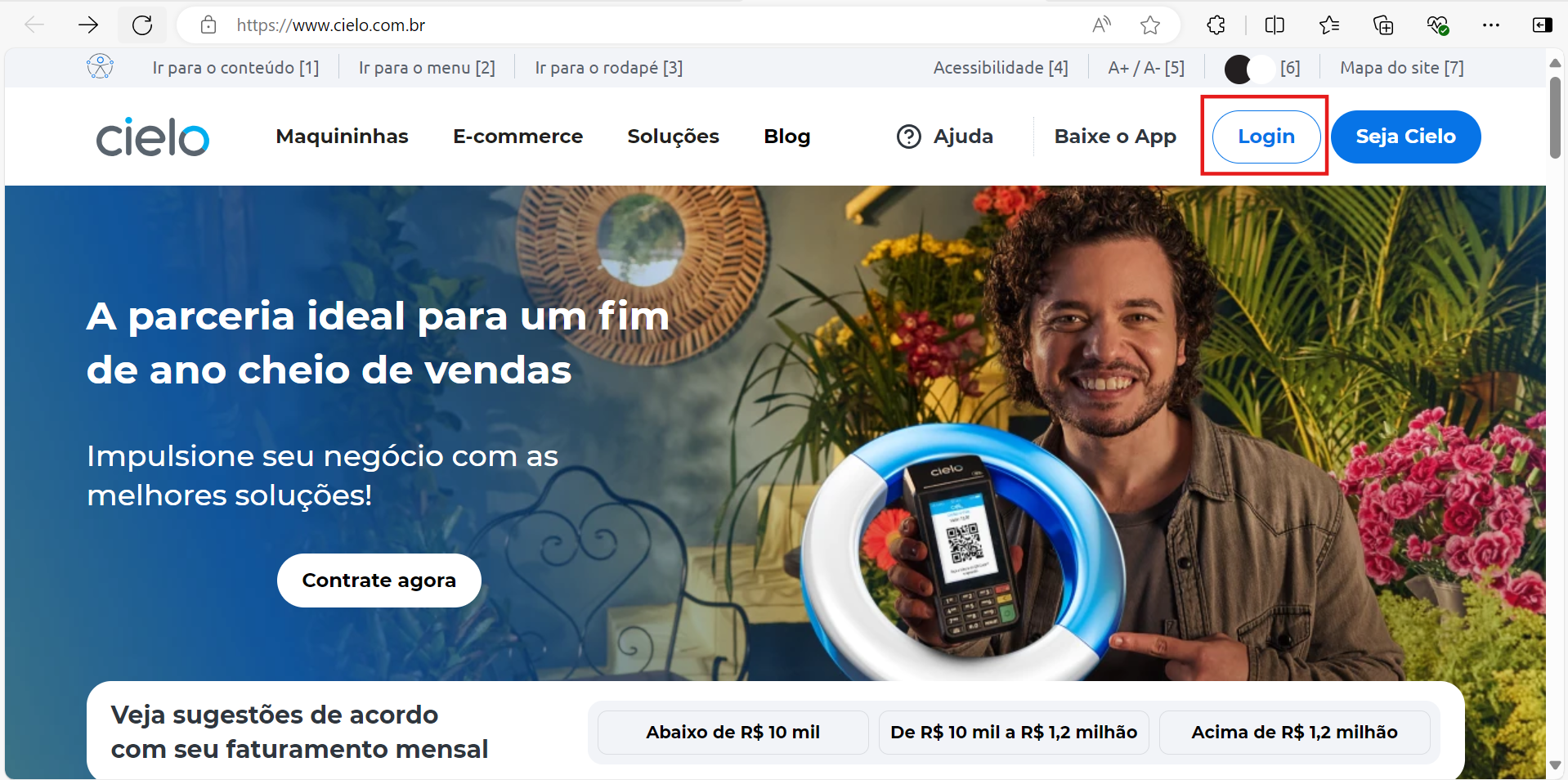
Access the Cielo portal and click on Login;
-
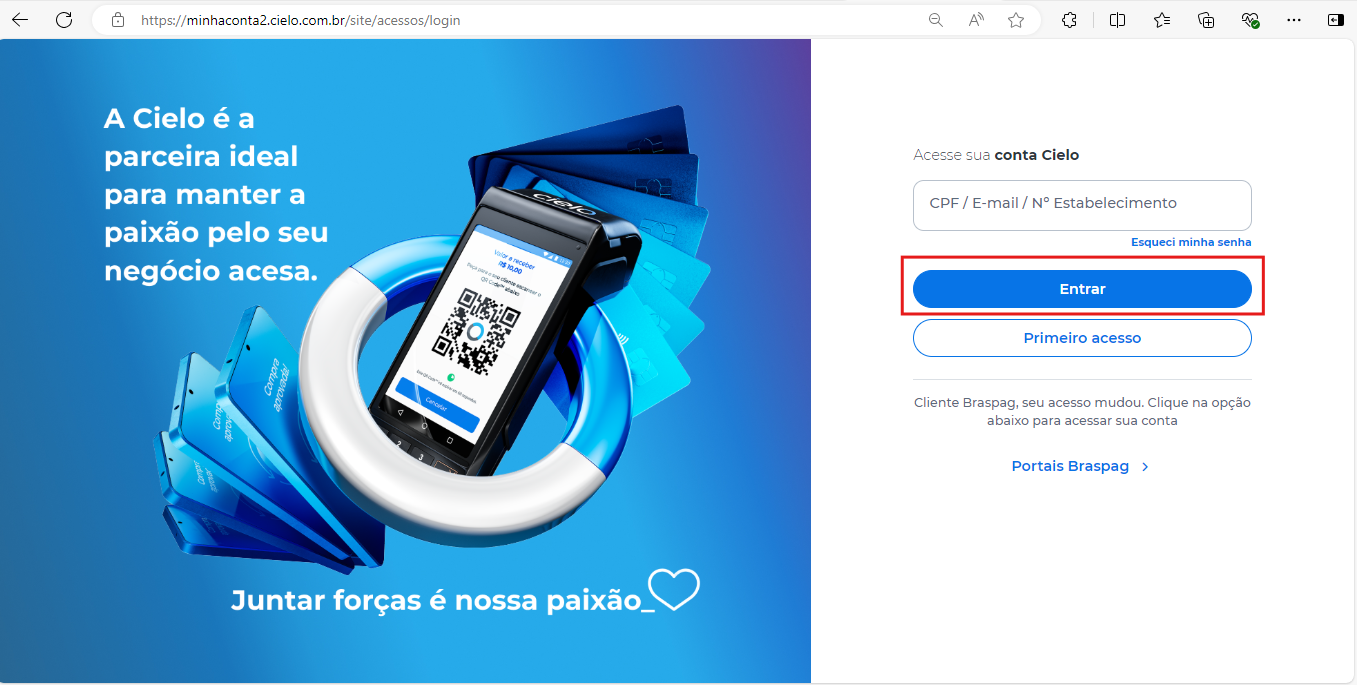
Access the Minha Conta Cielo with the created merchant number, and click on Entrar;
-
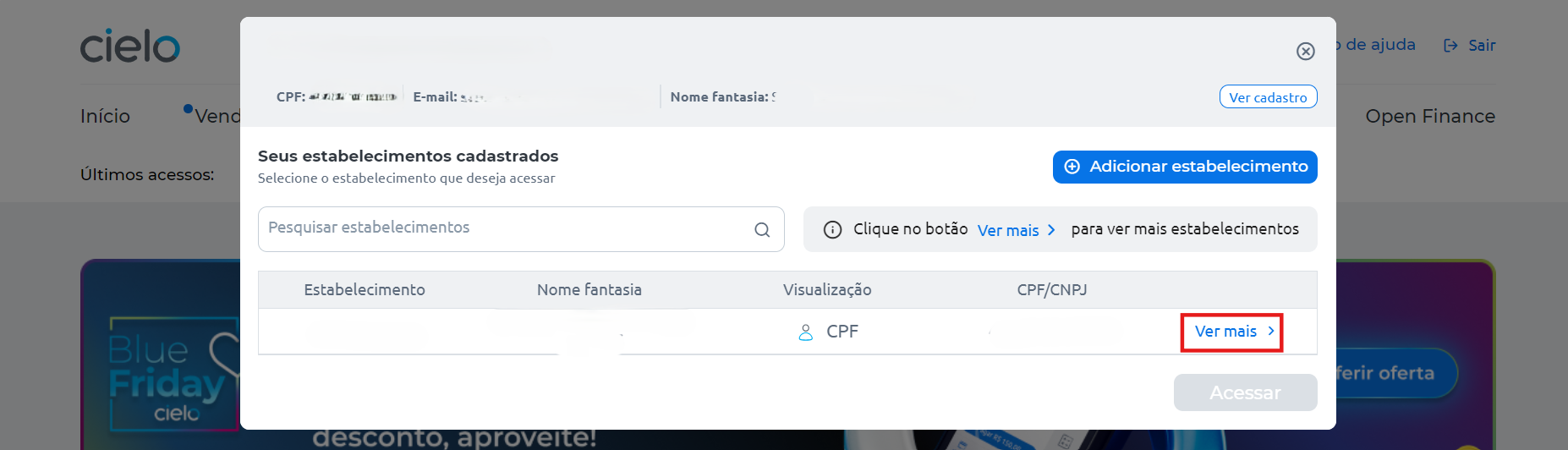
If you have more than one merchant and need to switch, click on Trocar estabelecimento;
-
-
Click on Ver mais;
-
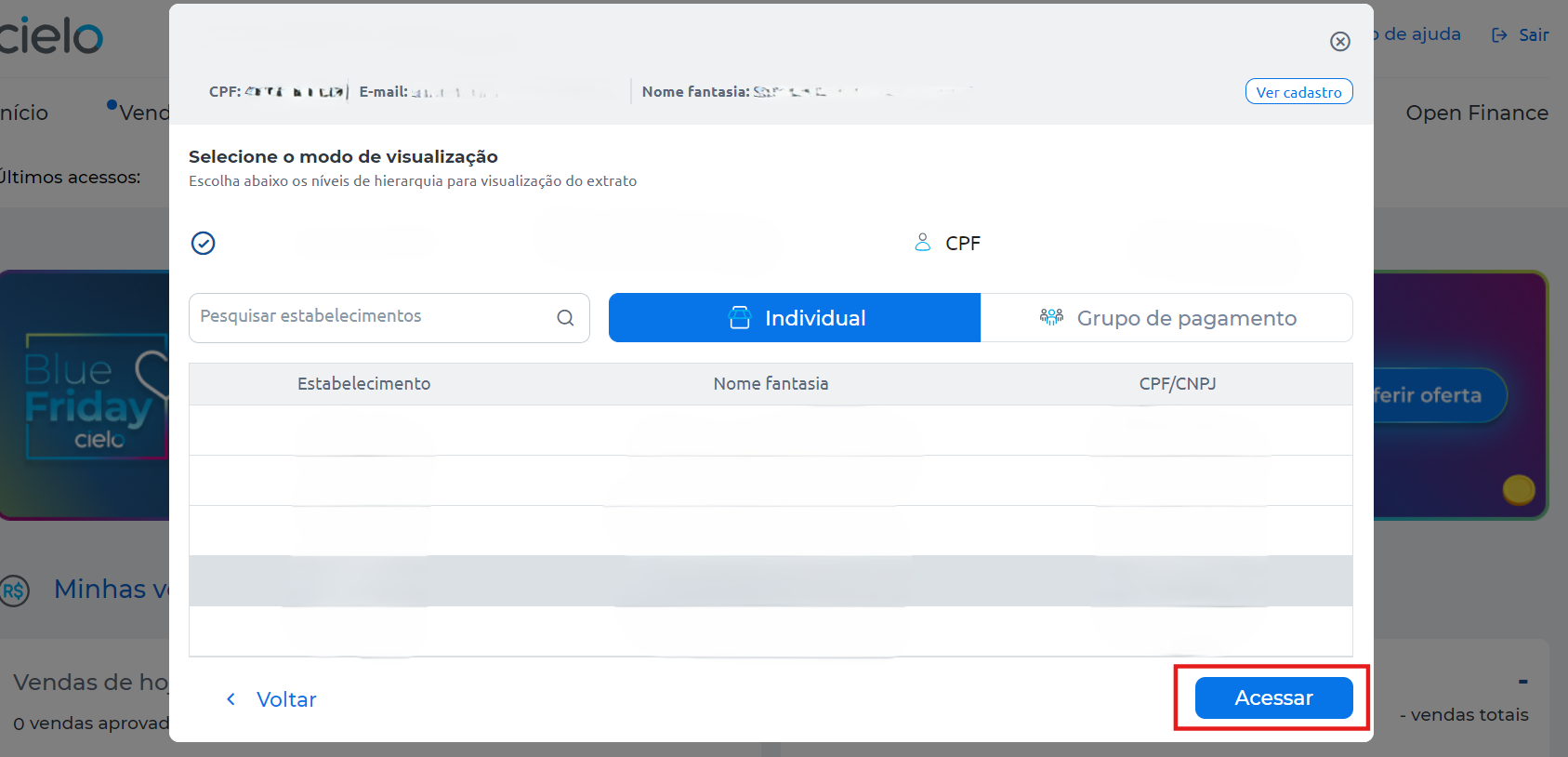
Select the desired merchant, (The merchant number for the Cielo E-commerce API can be found in the welcome email sent by Cielo) and click onAcessar;
-
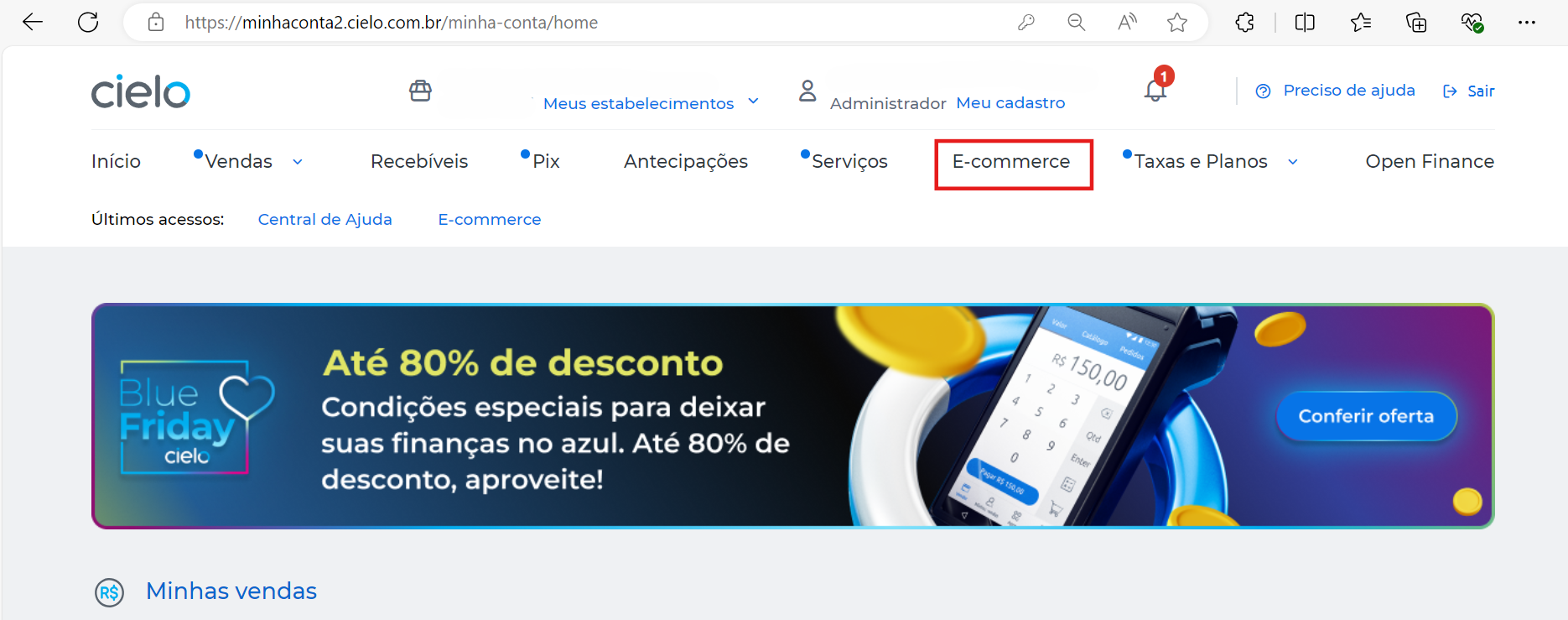
Click on E-commerce;

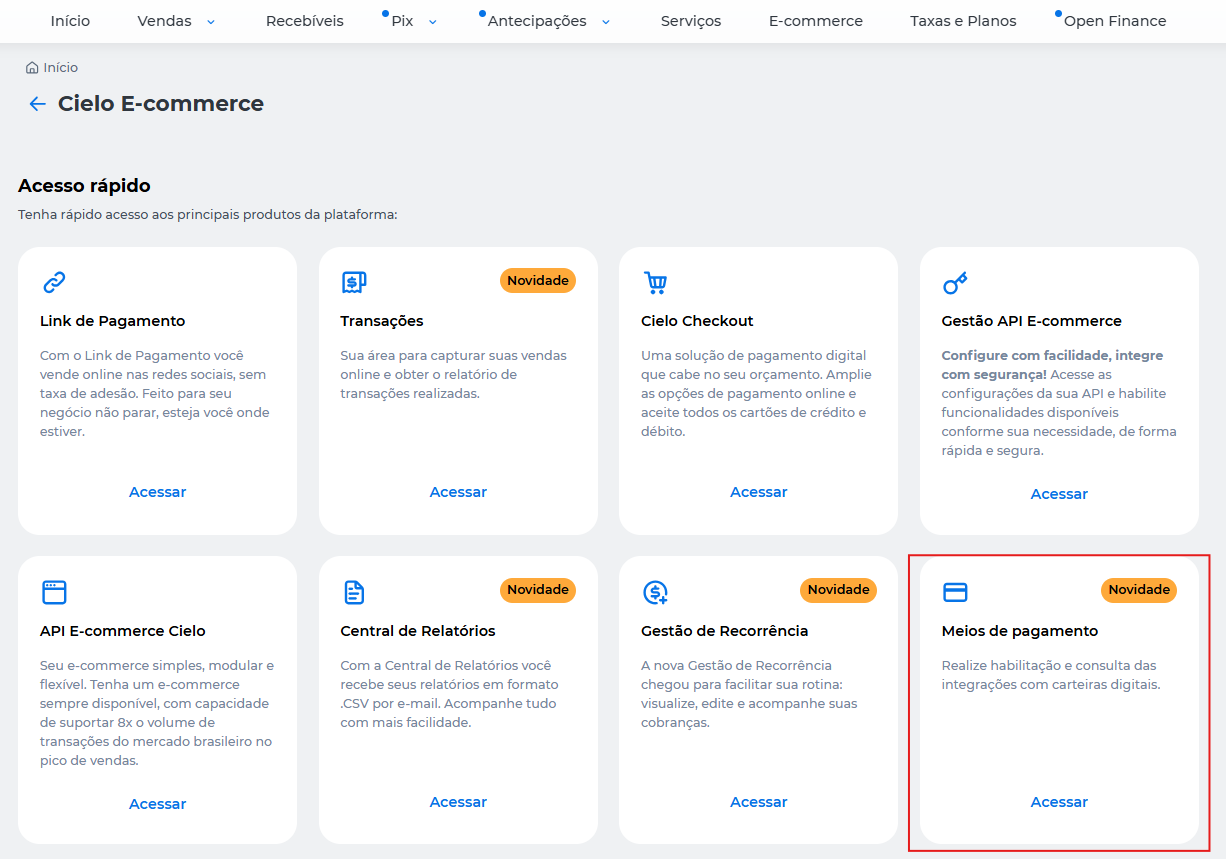
- In Gestão API e-commerce click on Acessar;
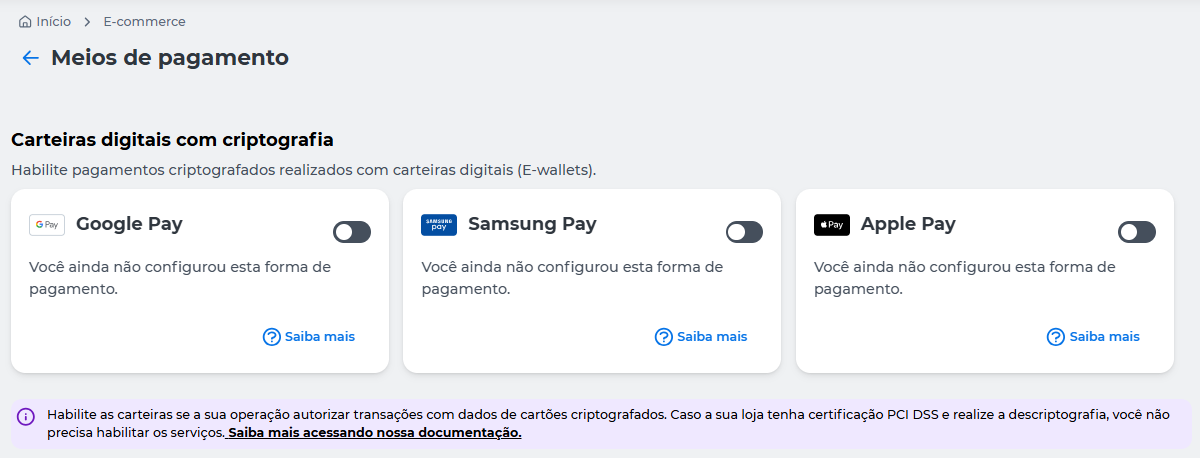
- In Carteiras digitais com criptografia, disable the desired wallet.
- To confirm, click Desabilitar.

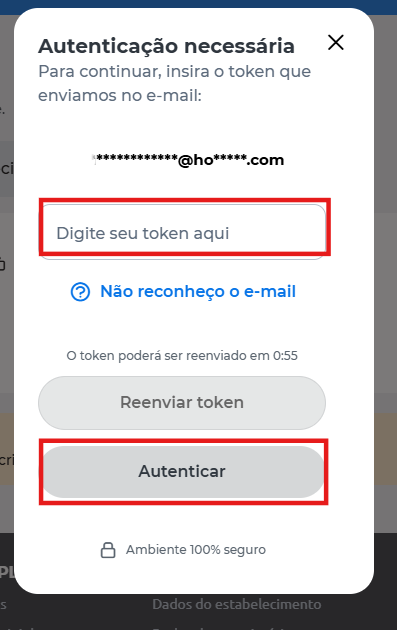
- Enter the token that was sent to you via the Cielo Gestão app or email and click Autenticar:
- Done! The wallet has been successfully disabled.

Updated about 2 months ago